
Emergency Help (SOS)
One press. Your people know where you are.
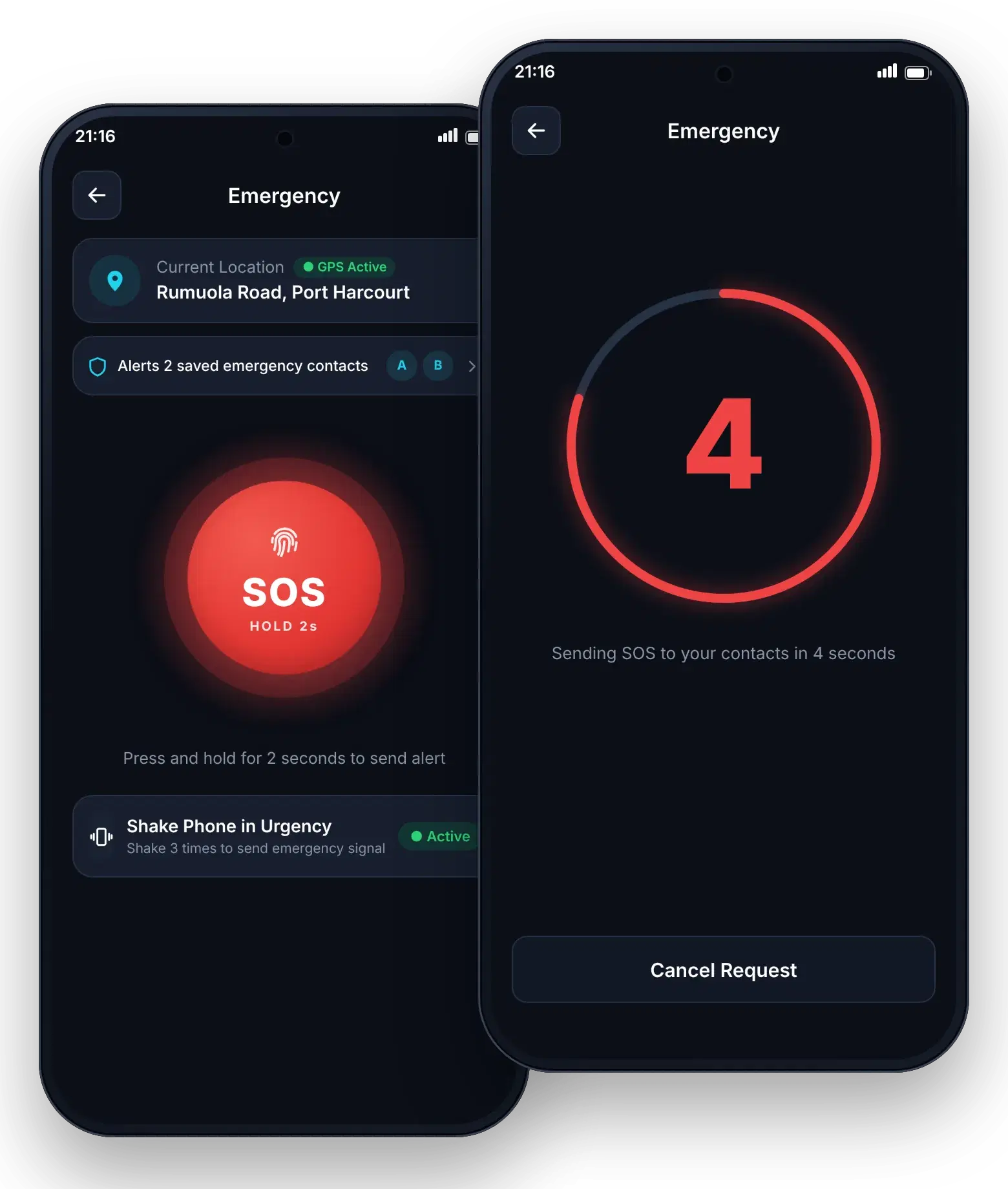
When something is wrong, you should not have to type. RunKom SOS alerts your emergency contacts with your name, a live location link, the time and a message, and keeps sharing your location until you are safe.
In immediate danger, also call 112.
Press and hold, or count down
Hold the SOS button, or start a 5-second countdown you can cancel if you triggered it by mistake.
SMS and push together
Contacts receive an SMS and, if they use RunKom, a push notification. They do not need the app to see your location.
Live location for up to 60 minutes
Your location is shared until you end the alert or 60 minutes pass, whichever comes first.
Works without data
No mobile data? RunKom falls back to your phone’s own SMS so the alert still goes out.
How it works
- 1Add up to 3 emergency contacts on Premium monthly (more on yearly).
- 2Press and hold SOS, or start the 5-second countdown.
- 3Contacts get your name, live location link, time and message.
- 4End the alert when you are safe. Sharing stops automatically after 60 minutes.
Available with Premium
Premium is ₦5,000 a month or ₦42,000 a year. See what is included.
FAQ
Emergency Help (SOS): questions
Be ready before you need it.
Download RunKom, add your emergency contacts and know that help is a few taps away.
 Coming soon
 Coming soon
RunKom is launching soon on iOS and Android.
Go Premium